Dependencies Slow Campaign Design Rollout
You should be able to create emails, landing pages, and forms without designers or coders. RESUL provides production-ready template builders with drag and drop components, templates, and device preview.
Brand Consistency Breaks across Channels
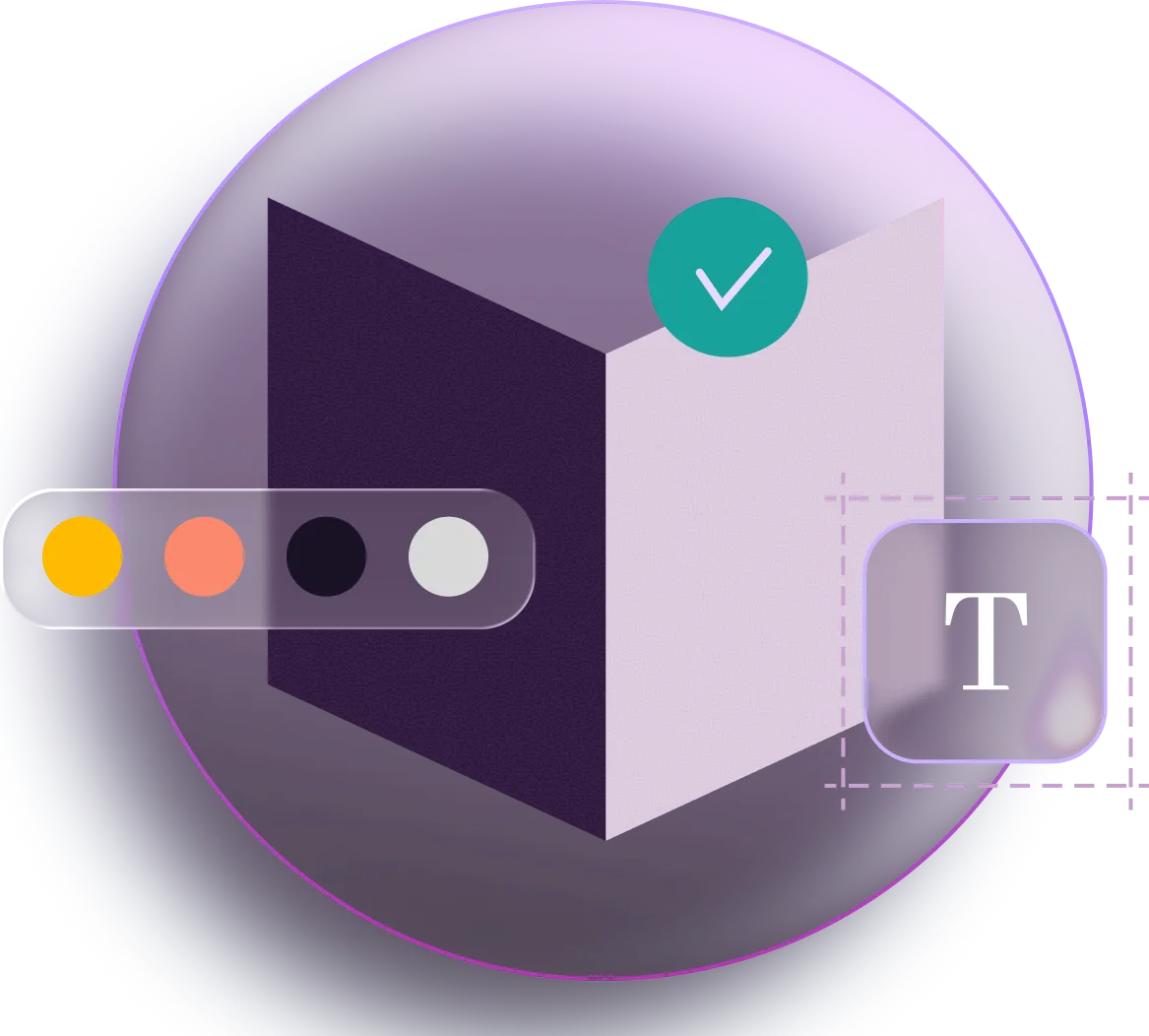
Juggling multiple tools makes your templates prone to design inconsistencies. RESUL's Brand Kit applies brand-aligned colours, fonts, and layouts across every builder automatically.
Static Templates Ignore the Audience
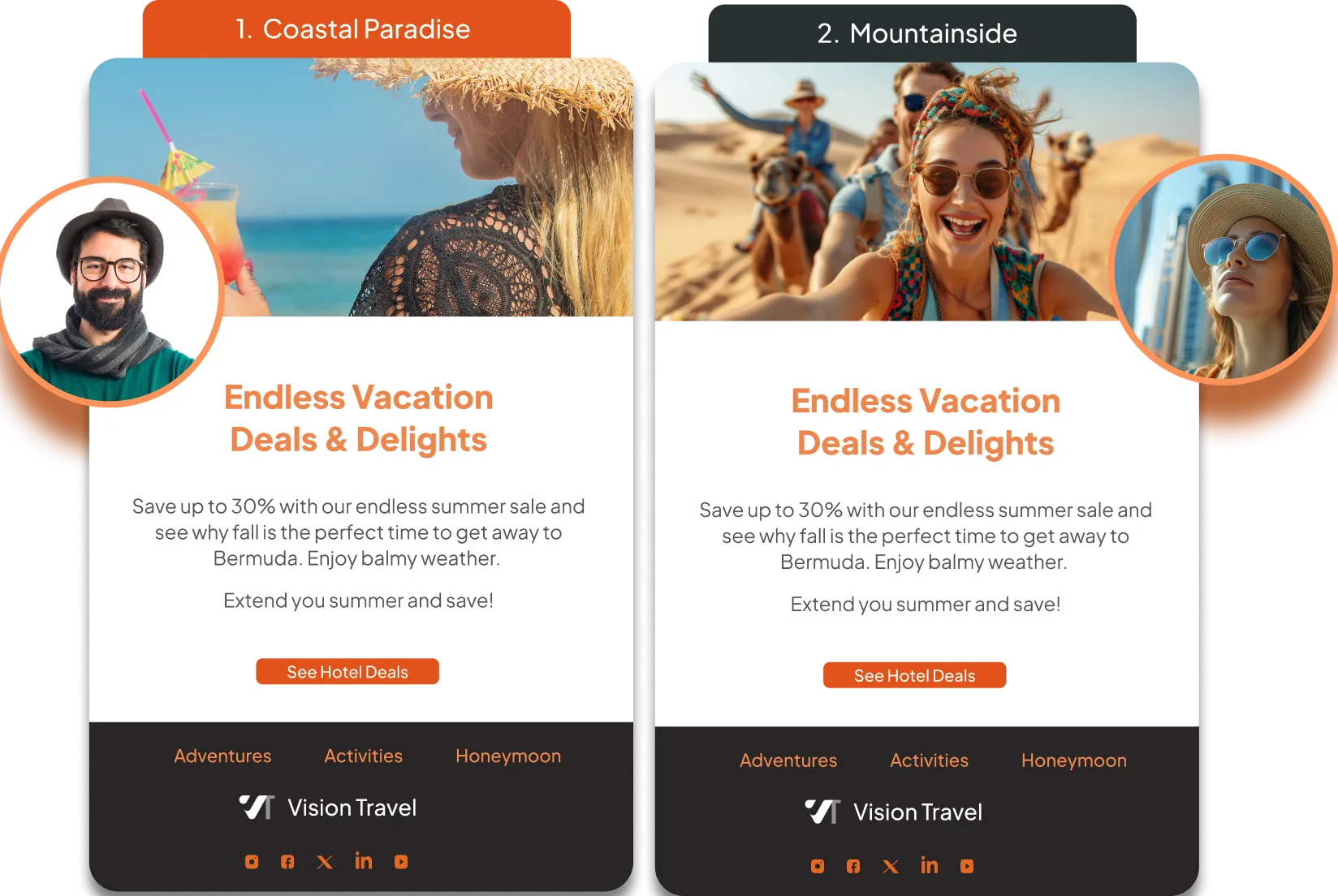
RESUL templates adapt to your customers via dynamic content blocks that are updated in real time based on audience, channel, and profile data.
Successful Landing Pages Need More than Design
Publishing your pages is the bare minimum. RESUL makes sure they perform with built-in SEO controls, tracking code placement, and international support.
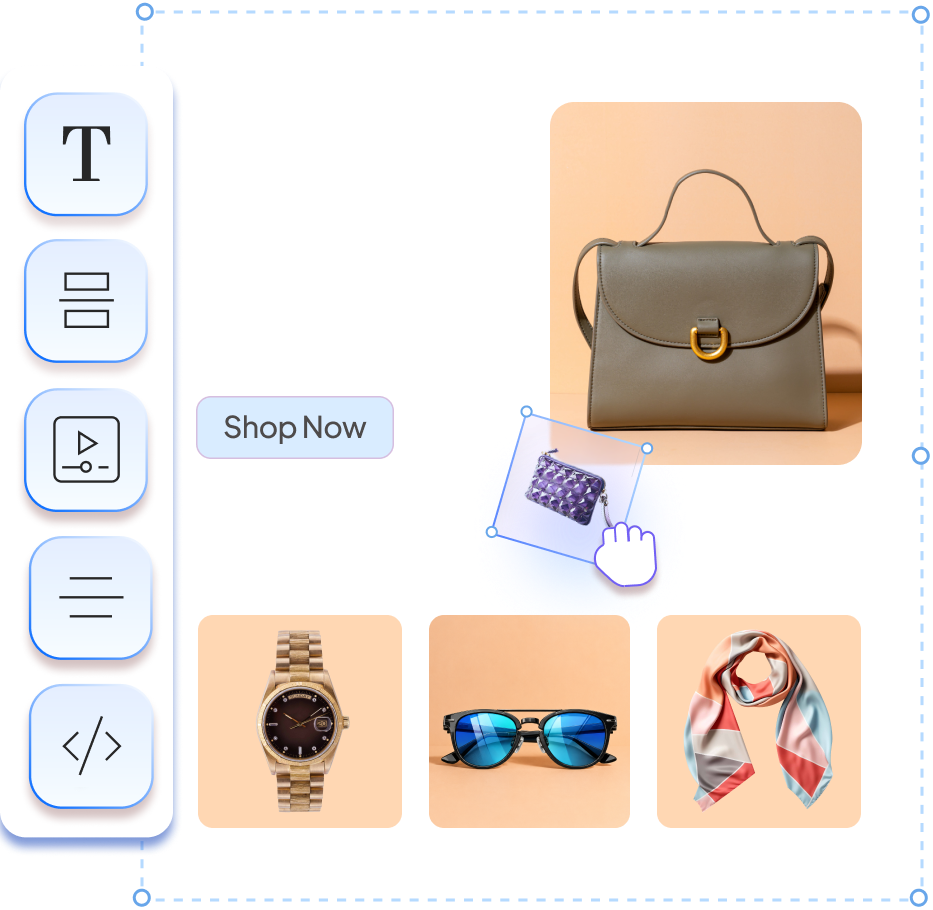
Drag-and-Drop Composition with 12 Components
Tables, images, buttons, offers, attachments, social links, snippets, personalisation tokens, and more. Multi-select for bulk editing and adjustable column layouts.
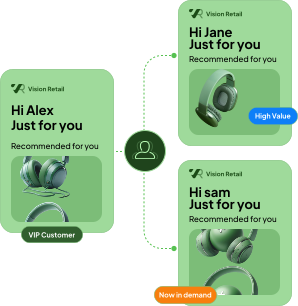
Content Targeting for Multiple Audiences
Show different content blocks to different audience groups within a single email without duplicating templates.
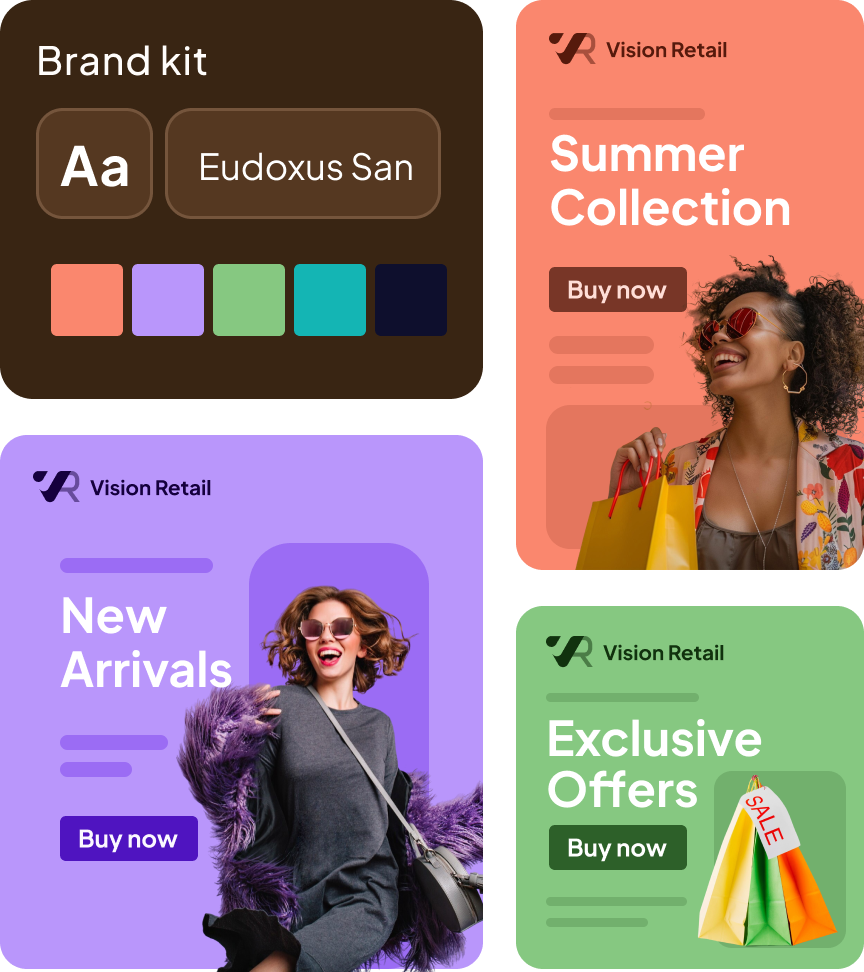
Brand Kit and Color System
Pull branding from your website. Apply brand colors, saved palettes, and recent color history across templates. Save multiple kits and shuffle between themes.
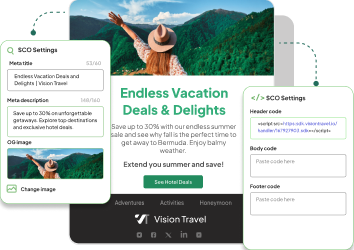
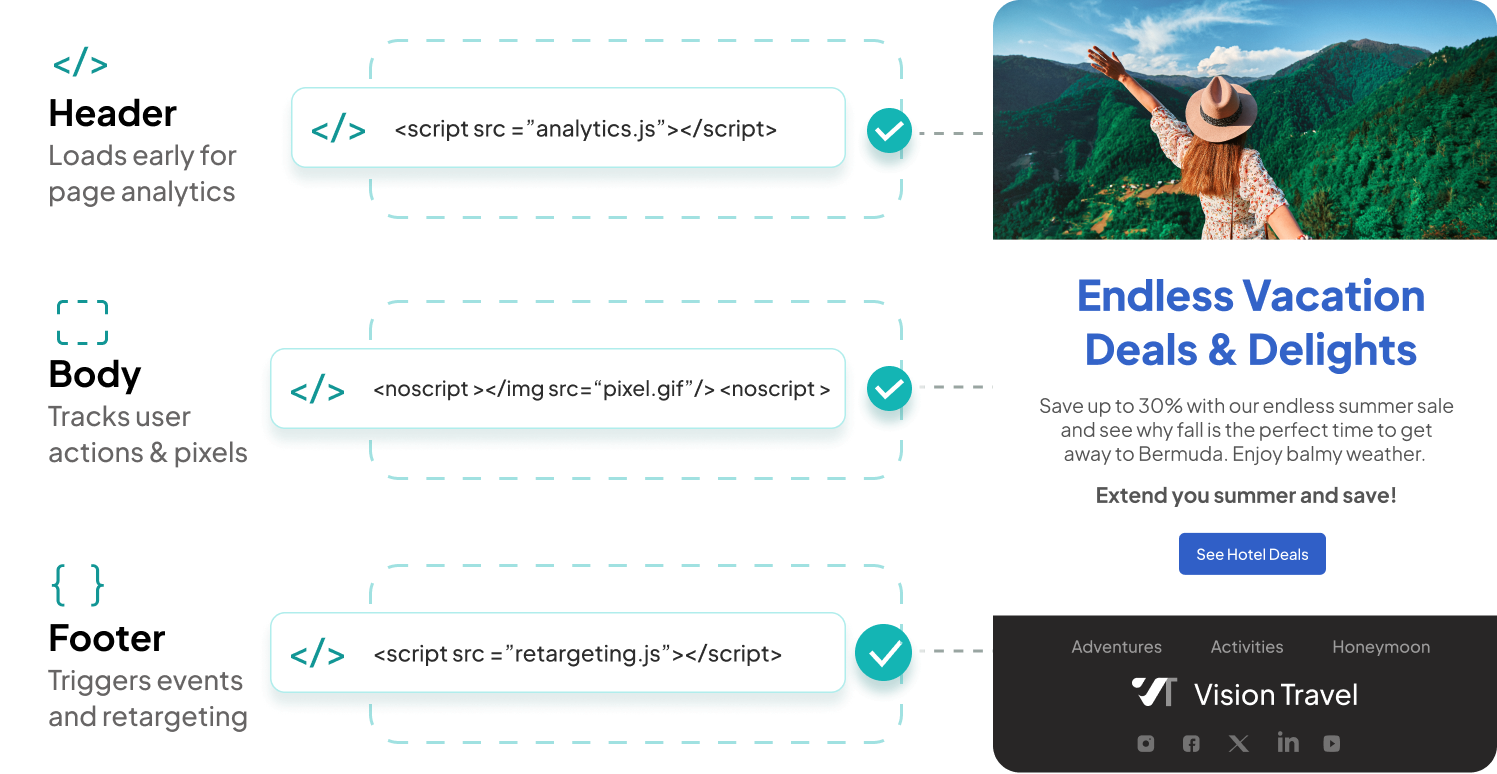
Analytics and Tracking Code Placement
Inject scripts into header, body, or footer for analytics and pixel tracking without developer support.
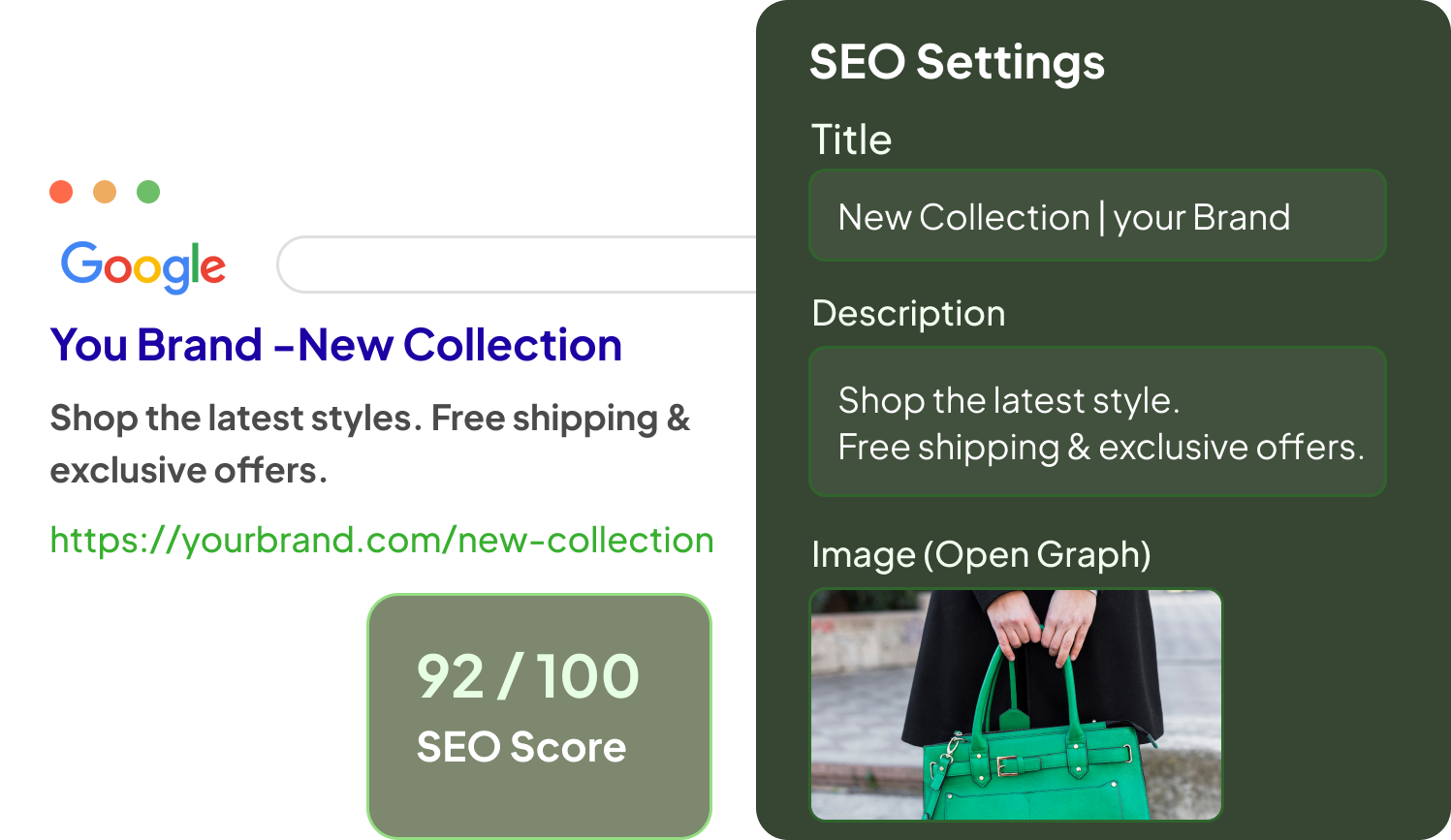
Built-In SEO Controls
URL structure, metadata, image ALT text, site verification, Open Graph, Twitter Cards, no-follow tags, and hreflang for international SEO.
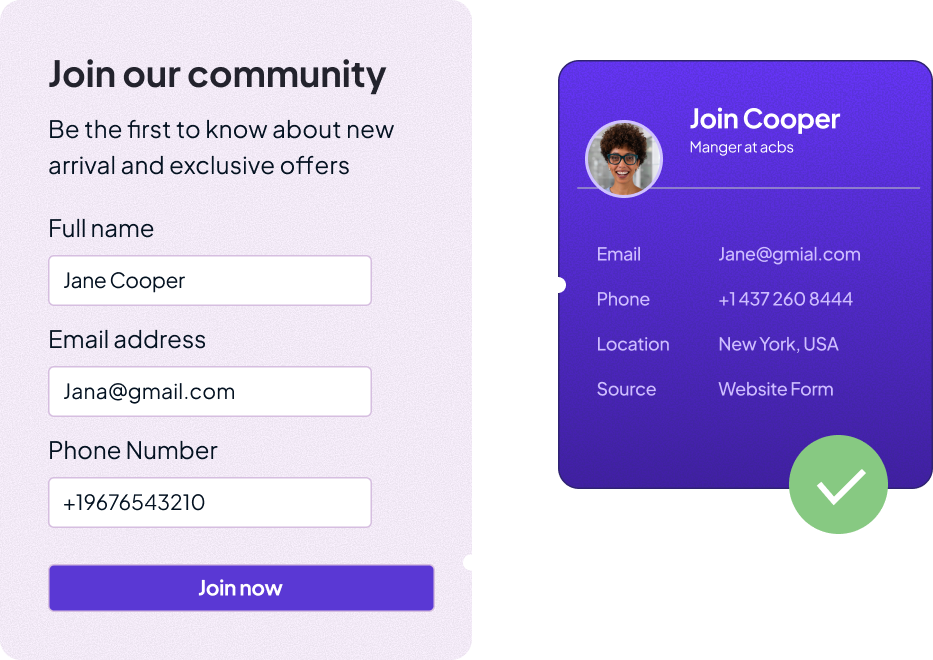
Data Capture That Feeds the Platform
Build subscription forms, lead capture forms, and preference centers that directly augment customer profiles in RESUL. No CSV imports, no middleware.
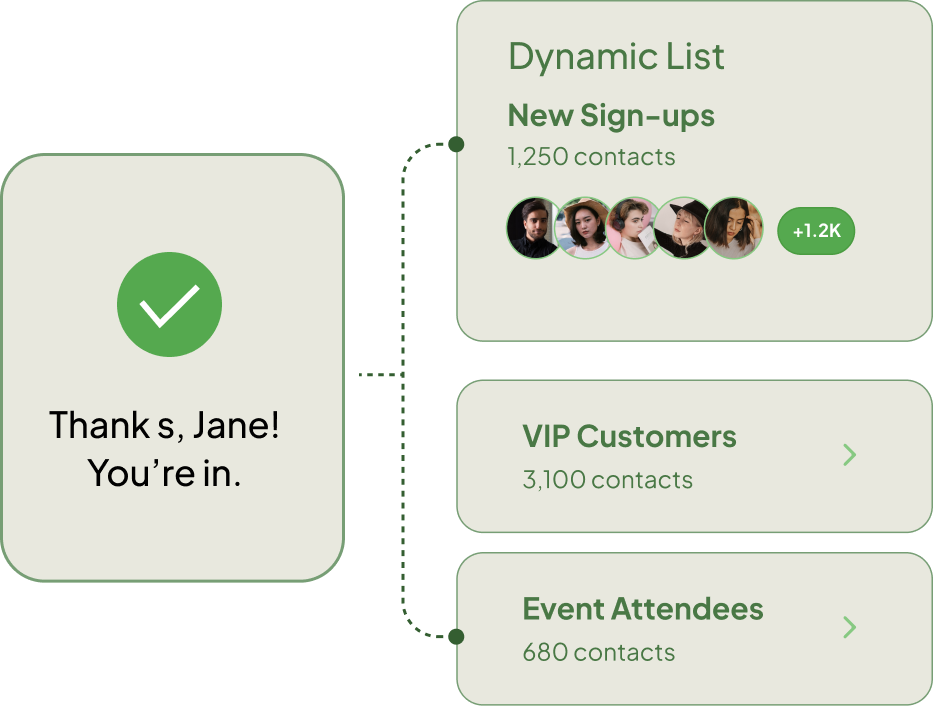
Form-Triggered Dynamic Lists
Subscription form submissions can instantly generate a Dynamic List audience and trigger communications through RESUL Events.
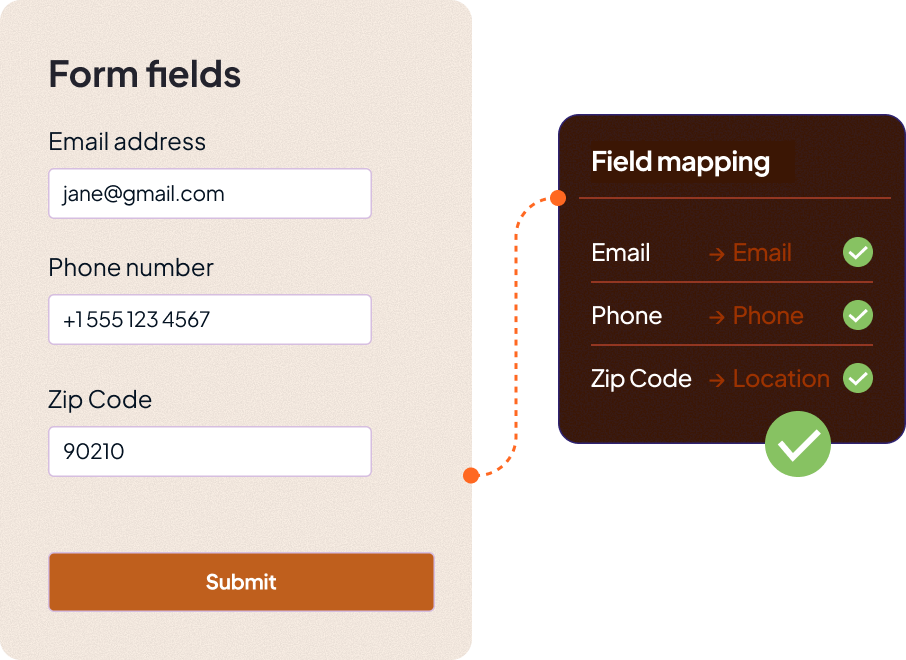
Attribute Mapping and Validation
Map form fields to customer profile attributes. Built-in validation ensures data quality at the point of entry, not downstream.
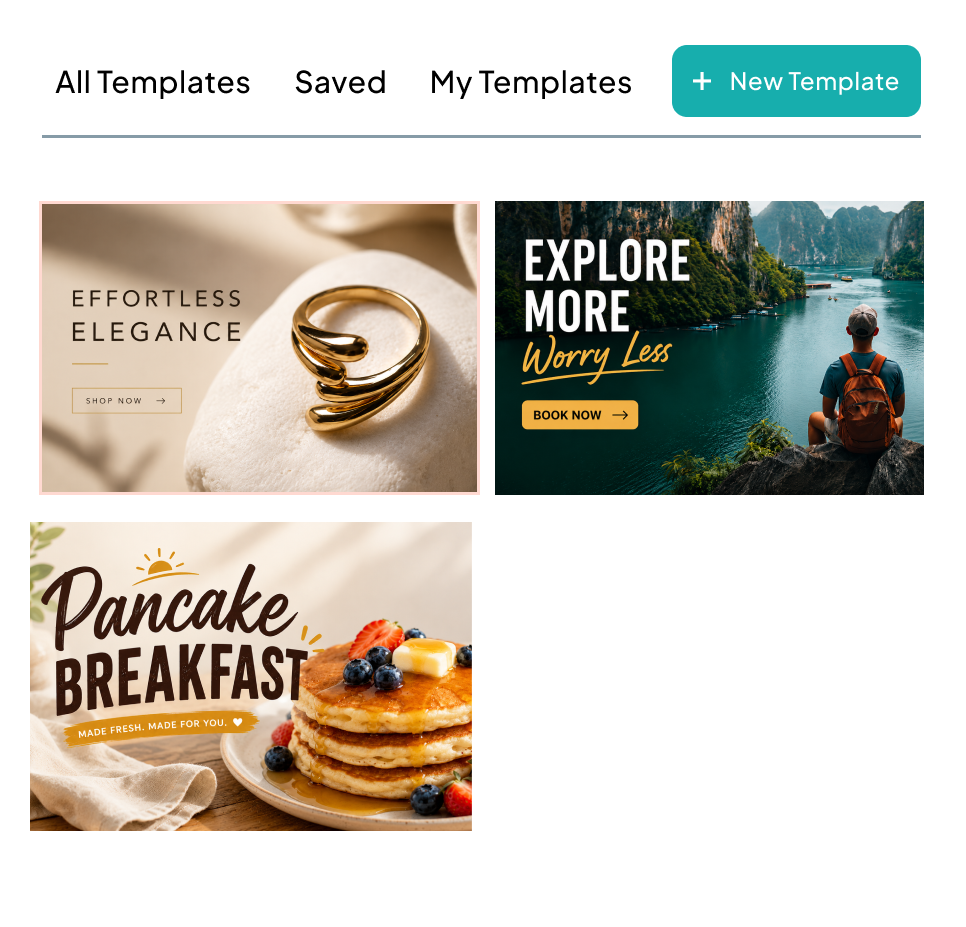
Template Gallery
Save designs for reuse across campaigns. Start from a template or build from scratch.
Web and Mobile Preview
Toggle between screen sizes to test layouts before deployment with previews that reflect the final user experience.

Code Editor Access
Switch to the built-in HTML/CSS editor for direct control when needed.
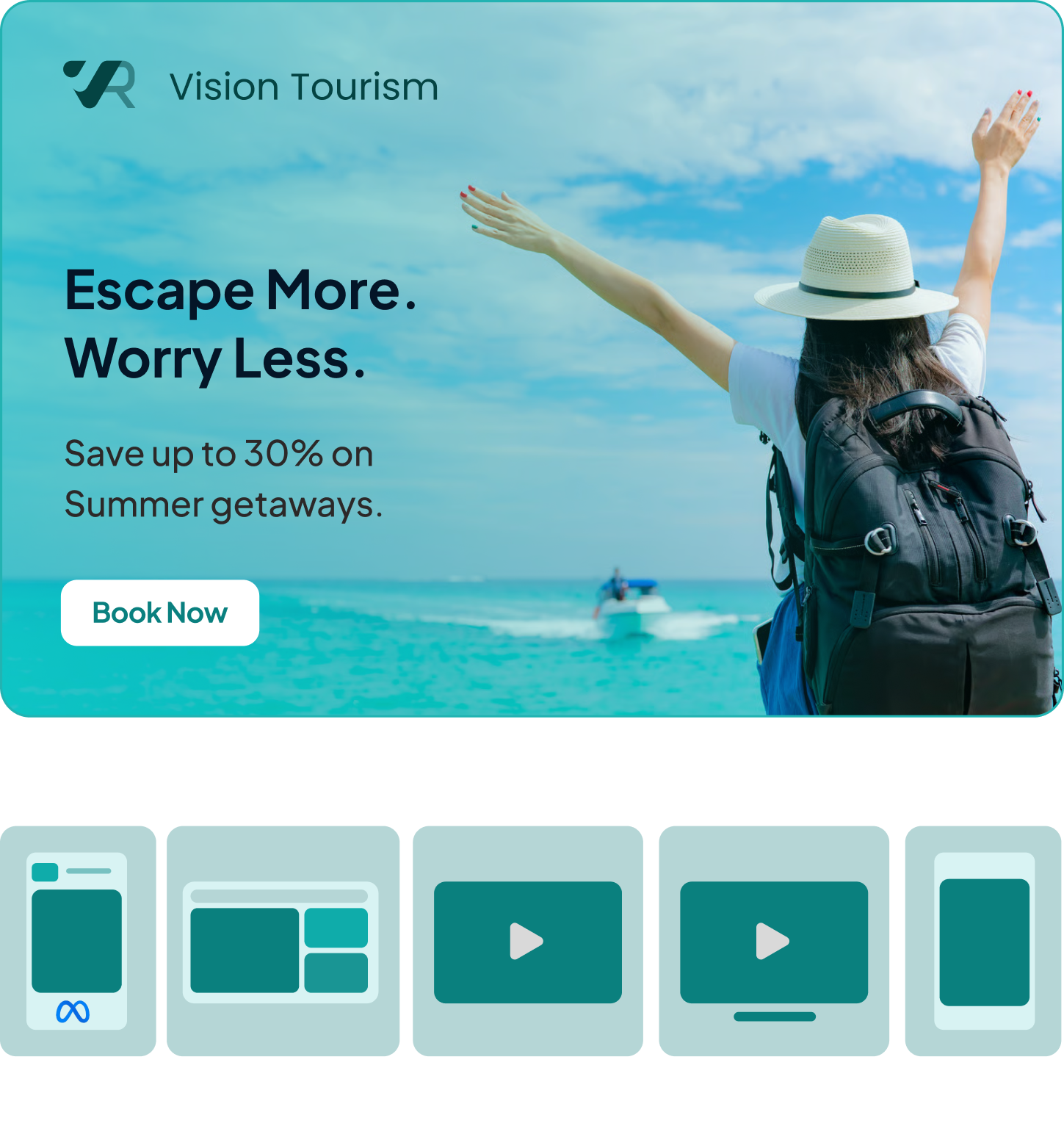
Banners for Five Ad Formats
Create ad banners for Meta, programmatic, video, and CTV campaigns from one interface without switching tools.
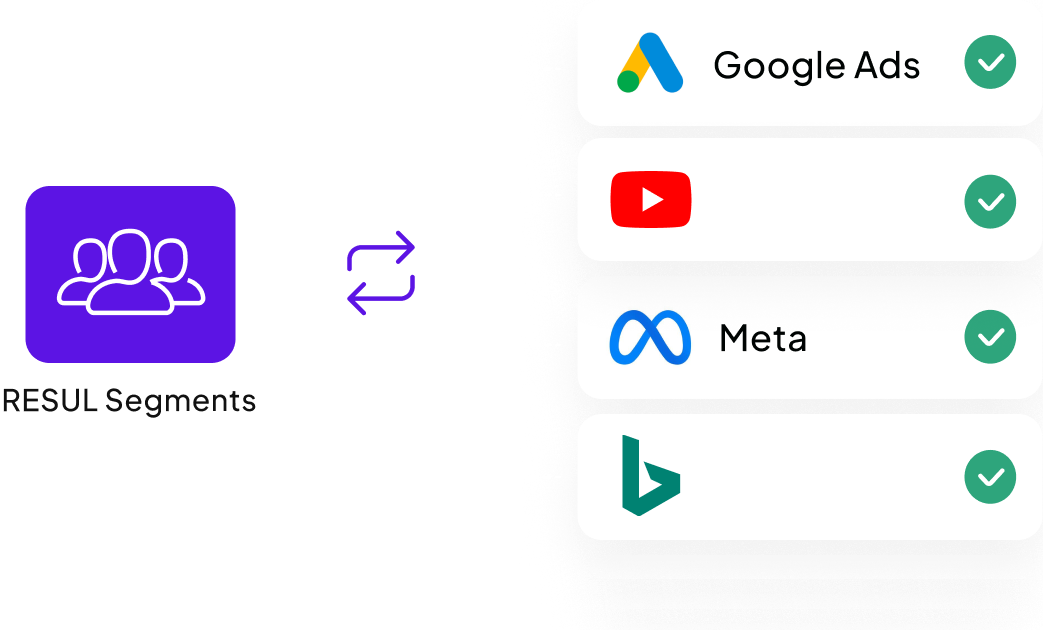
Audience Sync via Data Exchange
RESUL segments sync automatically to ad platforms to help you always target the right audiences.
Smart Links and UTM Tracking
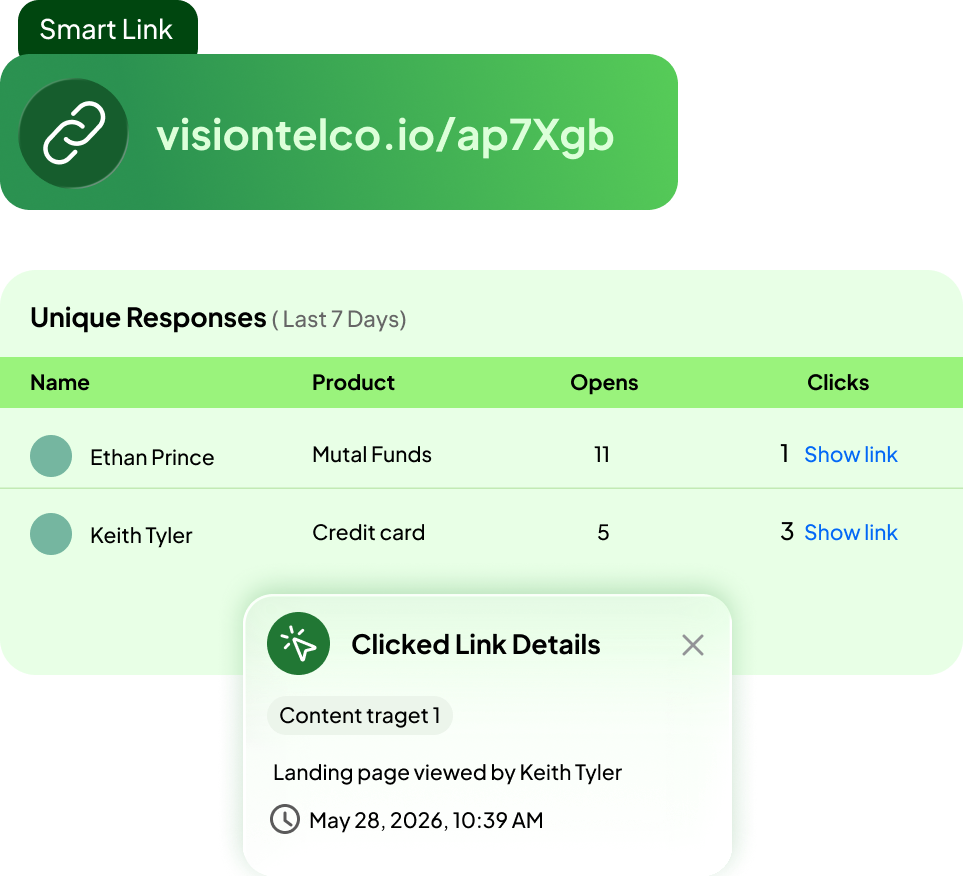
Generate shortened links with UTM parameters and track performance by campaign, audience, and channel.
Frequently Asked Questions
RESUL provides five template builders for email, landing page, forms, push notifications, and ads. All share the same interface, Brand Kit, and template library.
RESUL pulls your branding from your website. You can save multiple kits, shuffle between themes, and apply any kit to any template in one click.
Yes, URL slugs, ALT text, site verification, hreflang, Open Graph, Twitter Cards, and analytics code injection are all built into page settings in RESUL’s landing page builder.
RESUL allows you to include dynamic content blocks in templates that adapt to different audience groups. Each group sees different content blocks without separate templates.
300+ across multiple categories. All device-responsive, dynamic-content-ready, and customizable with your Brand Kit.
Yes, RESUL form fields map directly to profile attributes. Submissions can also trigger Dynamic Lists in RESUL Events for immediate follow-up.
Yes, every builder includes mobile, tablet, and desktop previews before deployment.